Calendar imports
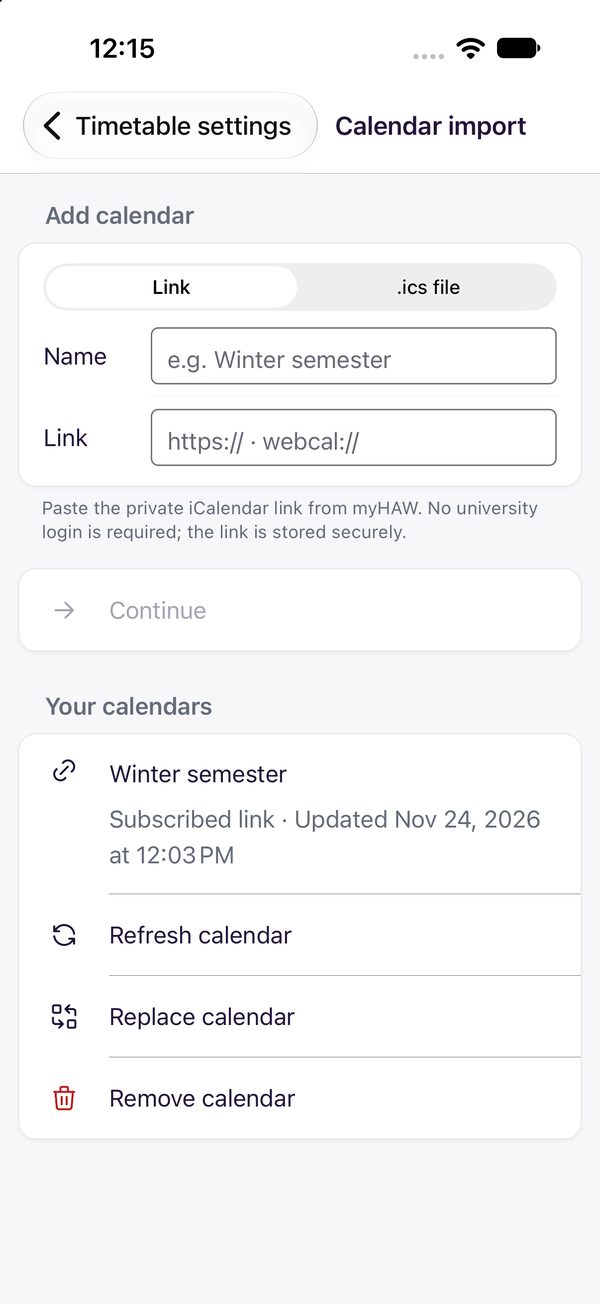
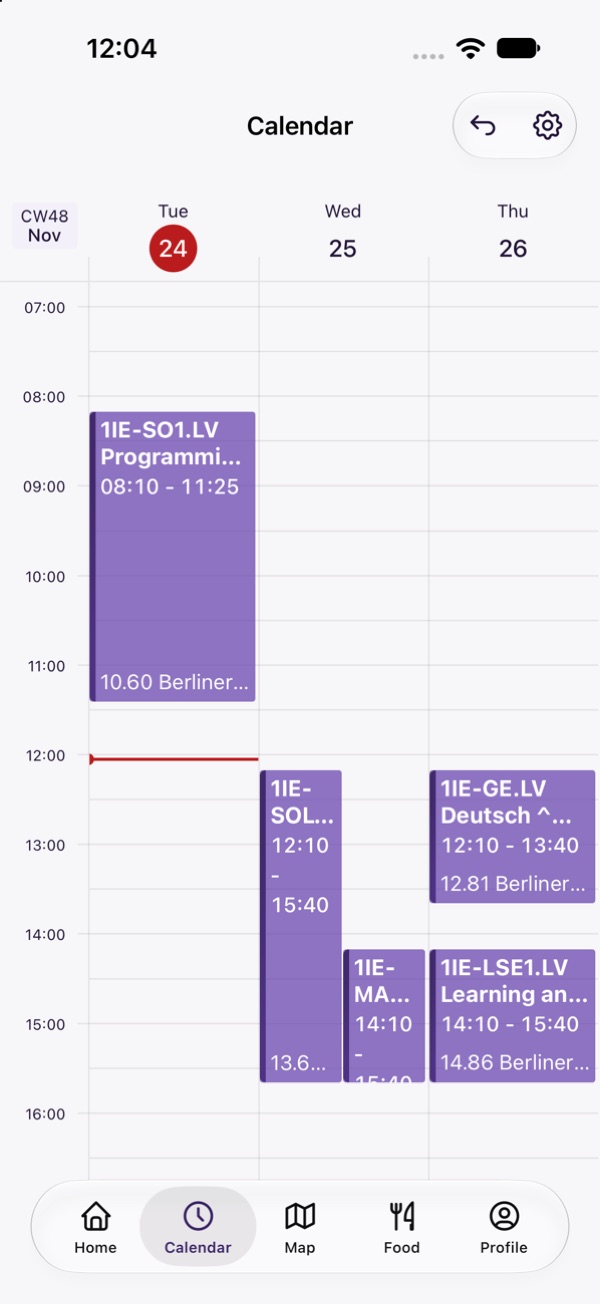
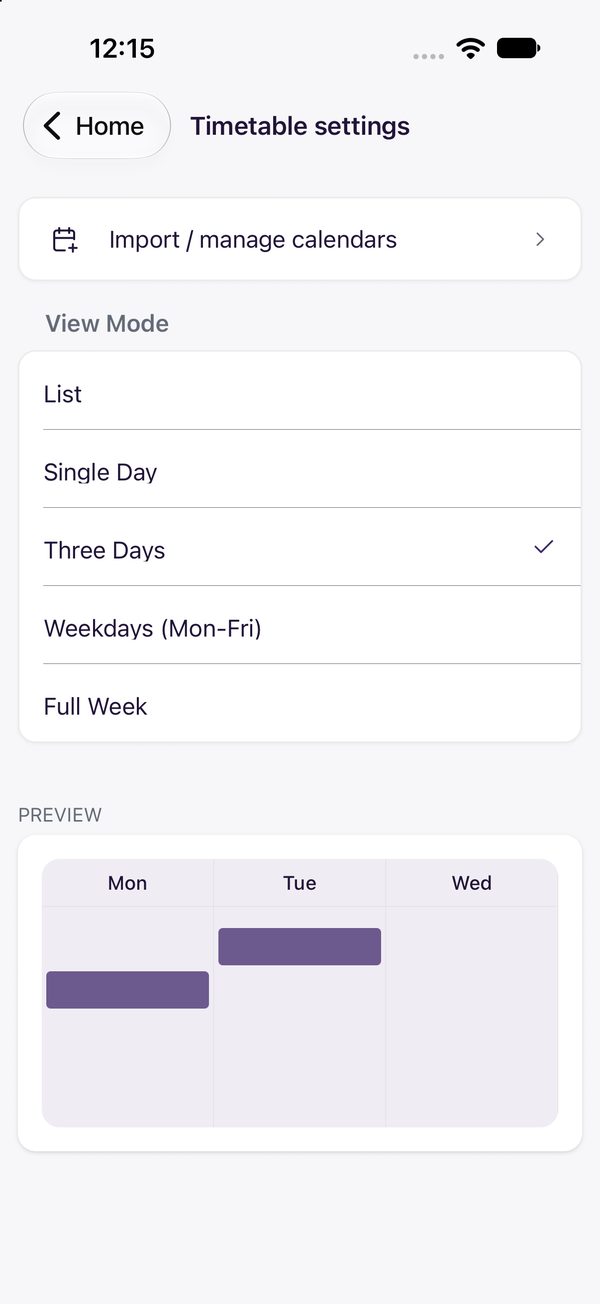
- Open Calendar, then its Settings and Import / manage calendars.
- Choose an
.icsfile you already obtained from myHAW, or paste a calendar export link if your myHAW setup provides one. Do not enter your university password. - Preview the events, then confirm the import. Add a separate calendar the same way if needed.
- Use the management screen to replace, refresh or remove an imported calendar.
Refreshing
File imports are snapshots: import an updated file to get changes.
Linked calendars refresh when you open the app, when you return to it and periodically while it runs, depending on the refresh interval and your connection. Manual refresh is also available. A cancellation appears only after a successful refresh and only if the source reflects it. There are no push notifications and no guaranteed background refresh.
If a link fails
If a link fails or needs a signed-in browser session, try a downloaded .ics file. Existing events are kept after a failed refresh.
Treat export links as private: they can contain access tokens.
Semester dates
Public semester dates are separate from your personal classes. Check HAW Hamburg for binding dates.